Best WiFi Extender in Pakistan (2026): Price Guide & Buying Tips
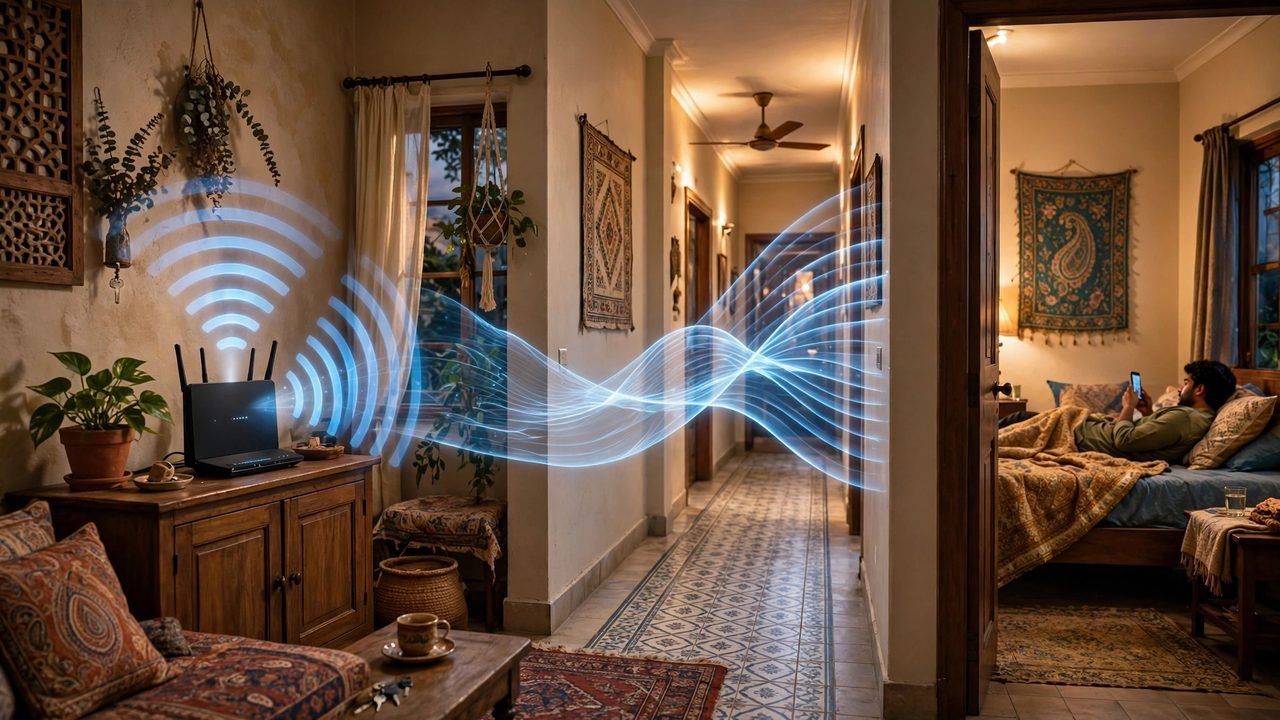
The router sits in the lounge, the signal is strong near the TV — then you walk to the far bedroom and the video call freezes. In a Pakistani home this is a daily frustration. Thick brick walls, concrete floors, and two or three storeys between the router and the bedroom eat away at the WiFi signal, and the standard ISP router was never built to cover a whole house. The best WiFi extender in Pakistan takes the signal your router already produces and stretches it into the rooms where it dies, without new wiring and without paying for a faster package. Prices are typically around Rs 2,000–15,000 (check the seller for the current price).
This guide covers the five types of WiFi extender most Pakistani homes buy and what each one does well. Prices are approximate — confirm the current price with the seller.
Quick Picks
- Budget pick: A basic plug-in WiFi extender, for one dead room in a small flat or a single-floor home.
- Everyday single-floor pick: A mid-range dual-band extender, for a full floor where the bedrooms and lounge need a steady signal.
- Multi-storey / mesh pick: A mesh WiFi system, for two- or three-storey homes and joint families where one extender cannot cover the stairs.
- Outdoor / garden pick: A weather-resistant outdoor extender, for the courtyard, lawn, rooftop, or the room above the garage.
- Premium dual-band pick: A high-speed dual-band extender with a wired port, for gaming, video calls, and a home office.
Budget Pick: The Basic Plug-In WiFi Extender
A basic plug-in WiFi extender is a small white box that plugs straight into a wall socket. It has no cable and no separate power adapter, and it takes about five minutes to set up: press the WPS button on your router, then the button on the extender, and it copies your WiFi name and password.
This is the cheapest fix for the most common problem in a Pakistani home: a single dead room. The router is in the lounge, and the far bedroom gets one bar or nothing at all. Put the extender in a socket halfway between the router and that bedroom for a usable signal for YouTube, WhatsApp calls, and browsing.
- Pros: Cheapest option, plugs into any socket, sets up in minutes with WPS, no wiring needed.
- Cons: Single-band so speeds drop when the signal is repeated, only covers one room properly, can struggle through two thick brick walls.
A basic WiFi extender is typically around Rs 2,000–4,000 (check the seller for the current price).
Everyday Pick: The Mid-Range Dual-Band Extender
A dual-band extender works on both the 2.4 GHz band and the 5 GHz band, and that matters in a real house. The 2.4 GHz band travels further through walls but is slower and crowded. The 5 GHz band is faster but does not pass through brick as well. A dual-band extender uses one band to talk to your router and the other to talk to your devices, so less speed is lost.
This is the type most Pakistani homes should buy. It fits a normal family home with a lounge, three or four bedrooms, and a kitchen spread across one floor. In a hallway socket between the router and the far rooms, it gives the whole floor a steady signal for phones, a laptop, and the smart TV at once. Most models also have a small Ethernet port, so you can plug a TV or desktop straight into the extender.
- Pros: Dual-band keeps more speed, covers a full floor, Ethernet port for a wired TV or PC, handles several devices.
- Cons: Costs more than a basic model, still slows down if placed too far from the router, 5 GHz signal weakens through concrete.
A mid-range dual-band WiFi extender is typically around Rs 4,000–8,000 (check the seller for the current price).
Multi-Storey / Mesh Pick: The Mesh WiFi System
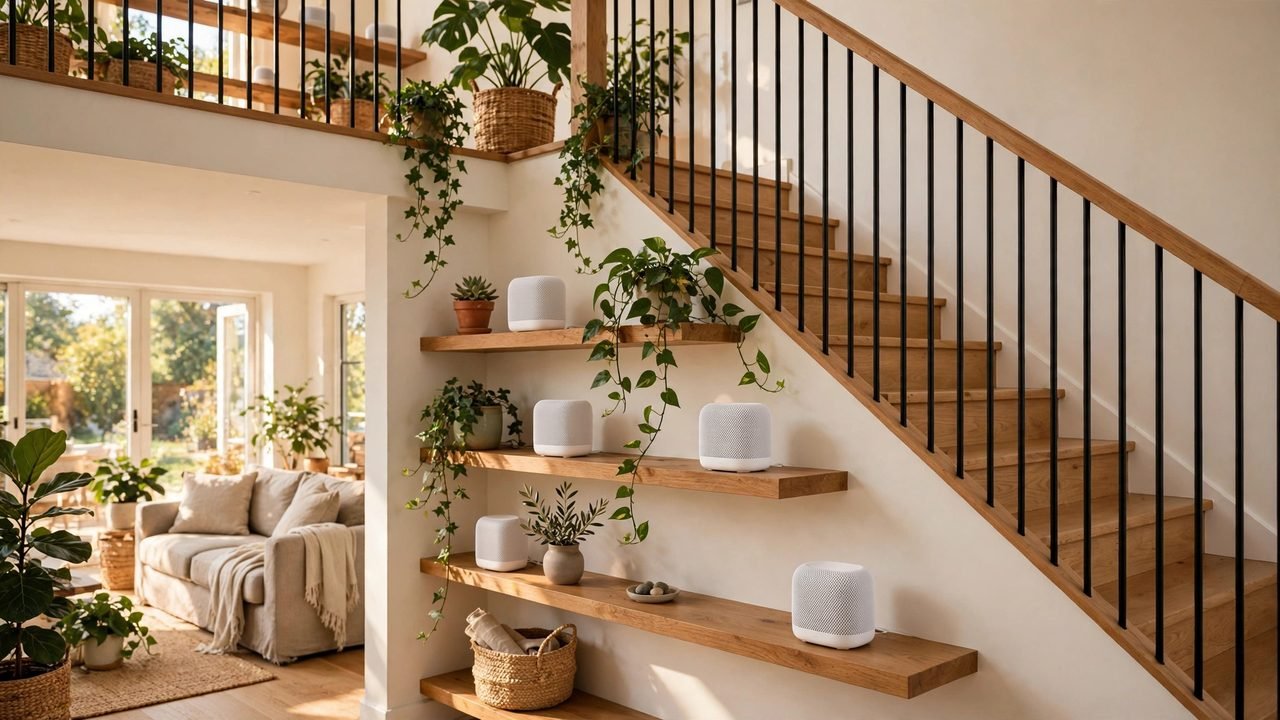
A mesh WiFi system is two or three small units that work as a team, not one extender. You plug the first unit into your router and place the others on different floors or at opposite ends of the house. The units talk to each other and hand your phone from one to the next as you walk up the stairs.
In a two- or three-storey Pakistani home this is the only fix that truly works. A single plug-in extender can stretch a signal sideways, but not up through a concrete slab. Mesh units place one unit on each floor, so every floor has its own source of WiFi.
- Pros: Covers two or three floors, seamless handover between rooms, handles many devices in a joint family home, one WiFi name for the whole house.
- Cons: Highest total cost in this guide, needs a unit on each floor to work well, setup takes longer than a single plug-in extender.
A mesh WiFi system is typically around Rs 8,000–15,000 (check the seller for the current price).
Outdoor / Garden Pick: The Weather-Resistant Outdoor Extender
An outdoor extender is built for the parts of the house an indoor extender cannot reach: the courtyard, the lawn, the rooftop where the family sits in the evening, or the room above the garage. Its sealed, weather-resistant case keeps out rain and dust, and it mounts on an outside wall or under a roof overhang.
This pick suits homes where the family uses the outdoor space a lot. In many Pakistani homes the rooftop or lawn is where people sit with chai in the cooler months, and the WiFi from the lounge router dies at the door. An outdoor extender on the wall facing that space gives it a steady signal.
- Pros: Weather-resistant case survives rain and dust, covers courtyard, lawn, and rooftop, strong signal outdoors, wall-mountable.
- Cons: Needs a power point or long cable outdoors, overkill for indoor-only coverage, mounting needs a screwdriver and a ladder.
An outdoor WiFi extender is typically around Rs 5,000–10,000 (check the seller for the current price).
Premium Pick: The High-Speed Dual-Band Extender with a Wired Port
A premium dual-band extender is for the home where WiFi is not just for browsing but for work and play. It has a stronger antenna, a faster processor, and a full-speed Ethernet port, so a Zoom call, an online game, and a 4K stream can run at the same time without freezing.
This is the right pick if someone in the house works from home, takes online classes, or plays online games far from the router — often a study room or a back bedroom. The wired port is the key feature: plug the gaming console or work laptop straight into the extender for a stable wired connection, though the router is two rooms away.
- Pros: Fastest speeds in this guide, dedicated backhaul keeps speeds up, wired Ethernet port for gaming and work, stable for video calls and online classes.
- Cons: Highest price for a single unit, must sit close enough to the router to keep its speed, wasted if the internet package itself is slow.
A premium dual-band WiFi extender is typically around Rs 8,000–15,000 (check the seller for the current price).
WiFi Extender Prices in Pakistan
Prices follow the band, the speed, and the number of units in the box. Most buyers land in the middle of the Rs 2,000–15,000 range (check the seller for the current price).
- Rs 2,000–4,000: Basic single-band plug-in extenders. Good for one dead room, a small flat, and first-time buyers.
- Rs 4,000–8,000: Mid-range dual-band extenders. The sweet spot for most homes: a full floor covered, several devices at once, and a wired port.
- Rs 5,000–10,000: Outdoor extenders with weather-resistant cases. Best for the courtyard, lawn, and rooftop.
- Rs 8,000–15,000: Premium dual-band extenders with a wired port and faster speeds. Best for gaming, video calls, and a home office.
- Rs 8,000–15,000: Mesh WiFi systems with two or three units. Best for two- or three-storey homes and joint families.
Buying Tips
Start with your walls, because they decide everything. Most Pakistani homes are built with thick brick and concrete, and a WiFi signal loses strength with every wall or floor it passes through. With concrete floors between storeys, plan for a mesh system or an extender on each floor.
Placement matters more than brand. Put the extender halfway between your router and the dead zone, where it still gets a decent signal from the router. A common mistake is plugging it into the dead room itself, where the signal it receives is already too weak to repeat. Use the signal lights if it has them: green means a good spot, red means move it closer to the router.
Choose dual-band if your budget allows. The 2.4 GHz band reaches further through walls and suits phones and browsing, while the 5 GHz band is faster and suits video streaming and gaming in the same room.
Think about load shedding. An extender only works when it has power, so during a power cut your extended WiFi dies even if the router is on a UPS. Plug the extender into the same UPS or backup supply as the router.
Check compatibility with your ISP router. Most extenders work with any standard router, including the ones supplied by PTCL and other ISPs. Check the setup method: the WPS button is the easiest way to connect, but some ISP routers have WPS turned off, so make sure the model also supports setup via its phone app or web page.
Finally, buy from a seller you can return to. WiFi extenders are available on Daraz and in official brand stores — compare prices across sellers before buying. Check the warranty before you pay: a one-year warranty from the brand or an authorised seller is the minimum to accept.
Frequently Asked Questions
Does a WiFi extender work with a PTCL router?
Yes. A WiFi extender works with any standard router, including the routers supplied by PTCL and other ISPs in Pakistan. The easiest setup uses the WPS button on the router, but if your ISP router has WPS turned off, use the extender’s app or web page instead.
How far can a WiFi extender reach in a Pakistani home?
It depends on the walls. In open space a mid-range extender can reach 30 to 40 metres, but each thick brick wall or concrete floor cuts that down. In a normal brick house, expect one extender to cover one floor or one or two rooms. For a two-storey home, one unit per floor works far better.
Will a WiFi extender slow down my internet?
A single-band extender can cut speeds roughly in half, because it uses one radio to talk to the router and to your phone. A dual-band extender loses less speed, and a mesh system loses the least. Even with some speed loss, the signal in a dead room is far better than no signal at all.
Where is the best place to put a WiFi extender?
Halfway between the router and the room with no signal, where it still receives a good signal. Do not put it inside the dead room, because the signal it picks up there is already too weak to repeat. Avoid placing it behind a fridge, inside a metal cabinet, or low behind furniture — all of these block the signal.
Do I need a mesh WiFi system or is one extender enough?
One extender is enough for a flat or a single-floor home with one or two dead rooms. A mesh system is better for a two- or three-storey home, a joint family home with many devices, or a house with concrete floors. If you are unsure, start with one good dual-band extender and add a second unit later.
Conclusion
A WiFi extender is the cheapest fix for dead zones in a Pakistani home — no need to replace your router or pay for a faster package. Pick the type that matches your home: basic for one dead room, dual-band for a full floor, mesh for two or three storeys, outdoor for the courtyard and rooftop, premium for gaming or a home office. Place it halfway between the router and the dead zone, keep it on the same power backup as the router during load shedding, and check the warranty. For more trending picks and buying guides, visit the product feed at trendz.pk.