Best Tablet in Pakistan (2026): Price Guide & Buying Tips
Introduction
Finding the best tablet in Pakistan in 2026 is less about chasing the biggest screen and more about matching the device to how you will actually use it. A student in Lahore attending online classes, a shop owner in Karachi checking orders on the go, and a parent in Islamabad looking for a safe device for the kids all need different tablets, even though all three search for the same thing. Prices, storage options and after-sales support vary widely across Pakistan, so a good decision starts with your daily use, not a specification sheet.
Tablets have quietly become one of the most practical devices in Pakistani homes. They are lighter than a laptop, easier for children and elderly parents than a small phone, and good enough for classes, calls, reading, drawing and dramas. With mobile data and home Wi-Fi widely available, one tablet serves as study device, shop tool and family entertainment screen.
This guide keeps things practical: the main tablet types in Pakistani shops, honest pros and cons for each, and realistic price ranges in rupees so you can plan without surprises.
Quick Picks
- Best for students on a budget: An affordable tablet with a clear screen, long battery life and storage for class apps and e-books.
- Best for online classes and video calls: A mid-range tablet with a good front camera, loud speakers and stable Wi-Fi for Zoom and Google Meet.
- Best for kids and family use: A sturdy tablet with parental controls, a protective case and comfortable screen size.
- Best for work and creativity: A higher-end tablet with stylus support, sharp screen and power for documents, sketching and multitasking.
- Best value overall: A mid-range tablet from an authorised seller with warranty papers, genuine charger and screen protector.
Budget Tablets for Students
Budget tablets are the most common tablets sold in Pakistan, and for students often all that is needed. They handle online classes, YouTube lectures, PDF reading, note-taking apps and light browsing without trouble. For a hostel student or a schoolchild doing homework, a budget tablet with a decent screen and a full day of battery is a genuinely useful tool.
The trade-offs are speed and longevity. A budget tablet can slow down with many apps open, its cameras are basic, and it may receive fewer software updates. That is acceptable for study and media, but frustrating for video editing or demanding games. Buy the storage you need upfront, and prefer a memory-card slot so notes and lectures never run out of room.
- Pros: Lowest prices, enough power for classes and reading, light and easy to carry.
- Cons: Slower multitasking, basic cameras, fewer long-term software updates.
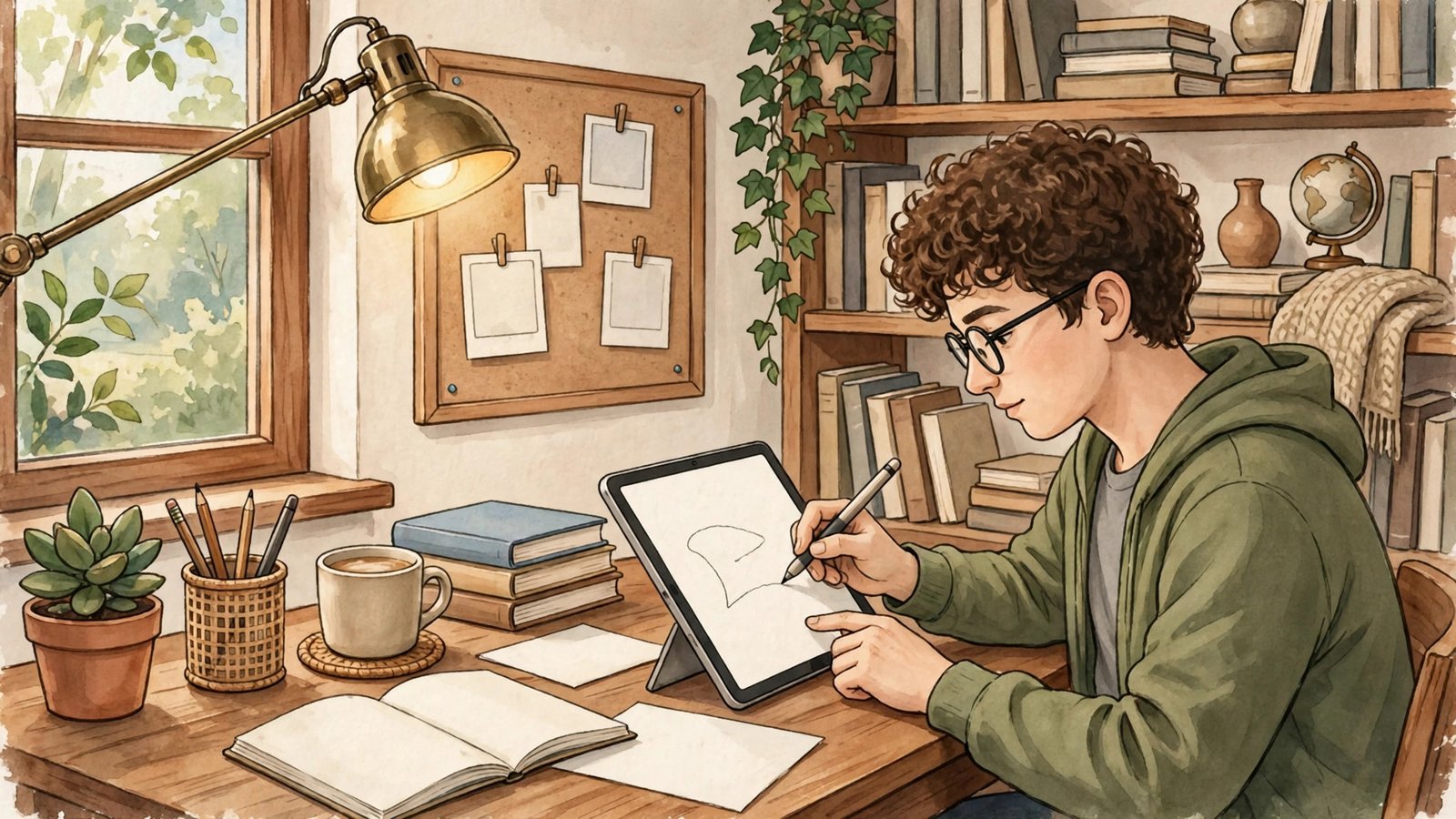
Mid-Range Tablets for Classes and Everyday Use
Mid-range tablets are the sweet spot for most Pakistani buyers. The screen is brighter and sharper, the speakers louder for class audio, the battery longer-lasting, and the device stays smooth switching between a video call, notes app and browser. For a household sharing one tablet for study and entertainment, this is usually the right tier.
These tablets also tend to have better build quality and longer support, which matters for a device used daily for years. If you attend online classes, teach, or run a small business from your tablet, the step up is worth it: clearer video calls, less charging anxiety, and a screen readable in a bright room. Check the model supports the apps your school or work uses before buying.
- Pros: Good balance of price, screen and battery, smooth for classes and daily use, longer support.
- Cons: Noticeably pricier than budget models, still not suited to heavy creative or gaming work.
Tablets for Kids and Family Entertainment
A family tablet lives a harder life than any other device in the house: dropped, shared between siblings, smeared with fingerprints and used for hours of cartoons and games. The right family tablet is therefore chosen for durability and controls first, raw speed second. A sturdy case, screen guard and sensible screen size matter more than a flagship processor.
Parental controls are the feature that makes a family tablet workable. They let you set screen-time limits, approve apps, block inappropriate content and create a child profile, so the tablet can be handed over without worry. A good front camera also doubles as a video-call device for grandparents. Buy storage generously too, since cartoons, games and school apps fill a small tablet fast.
- Pros: Great for shared family use, parental controls give peace of mind, durable with a good case.
- Cons: Needs a case and screen guard for real durability, shared use fills storage quickly.
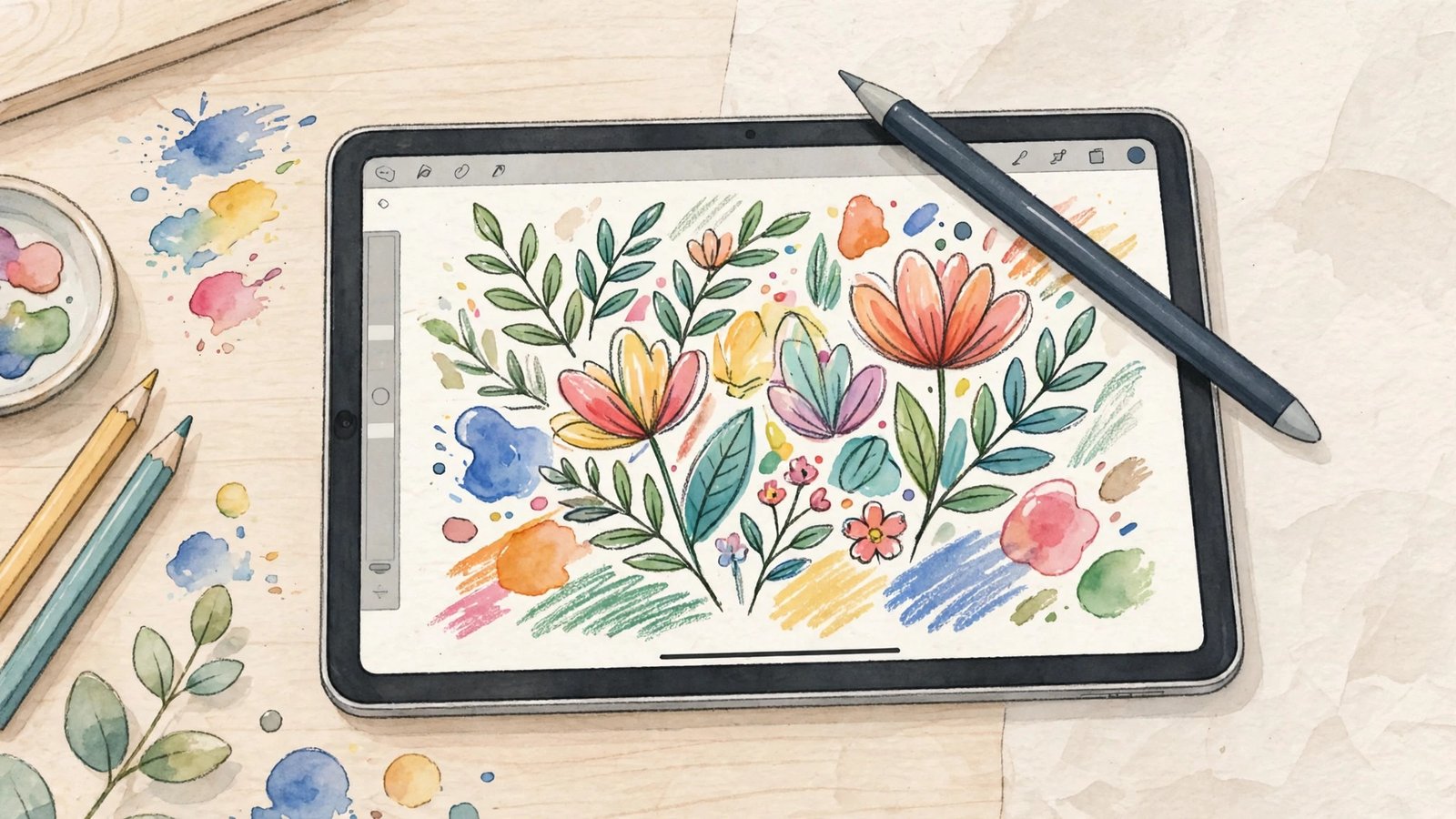
Premium Tablets for Work and Creativity
Premium tablets are for buyers who want a tablet to replace a laptop for part of their work: writing, sketching, photo editing, presentations and document review. They pair a sharp, colour-accurate screen with stylus support, so you can take handwritten notes, annotate PDFs and draw on screen. For designers, architects, teachers and creative students, that combination is hard to match.
The cost is obvious: premium tablets are several times the price of a budget model, and the stylus and keyboard cover are often sold separately, pushing the total higher. They are also the category where Pakistani buyers should be most careful about sellers — check the warranty is local, accessories genuine, and service support exists. A premium tablet with no local backup is risky, however good the hardware.
- Pros: Excellent screens and stylus support, strong for creative and office work, premium build quality.
- Cons: Highest prices, accessories often sold separately, needs a careful warranty check.
Large-Screen Tablets for Home and Media
Large-screen tablets, roughly eleven inches and above, are built for the living room and study desk rather than the pocket. They suit watching dramas and cricket, reading newspapers and magazines, video-calling family abroad, and split-screen work — a lecture on one side, notes on the other. For elderly parents, bigger text and larger touch targets make a real difference in comfort.
The compromise is portability. A large tablet is heavier to hold for long periods and less convenient on a bus or in a small bag. Battery life also varies more at this size, since a bigger screen draws more power. If the tablet mostly stays at home or on a desk, size is an advantage; if it travels daily in a school bag, a smaller model is wiser.
- Pros: Best for video, reading and split-screen work, comfortable for elderly users, great family media screen.
- Cons: Heavier and less portable, bigger screen uses more battery, needs a stand or cover for desk use.
Price Guide: What Tablets Cost in Pakistan
Prices for tablets in Pakistan typically range from around Rs 25,000 to Rs 200,000 (check the seller for the current price). At the lower end, roughly Rs 25,000 to Rs 60,000, sit budget tablets for classes, reading, video calls and everyday media. The middle band, around Rs 60,000 to Rs 120,000, is where most buyers find the best balance: better screens, smoother performance and longer battery. Above Rs 120,000 sit premium tablets with stylus support and high-end screens nearing Rs 200,000.
Three factors move prices most: screen quality and size, storage capacity, and whether the seller is an authorised dealer. Cellular models that take a SIM card cost more than Wi-Fi-only models, so only pay for that feature if you need internet away from Wi-Fi. Grey-market imports can look cheaper, but they often lack a valid local warranty, which can cost far more later.
Buying Tips for Pakistani Buyers
Start by listing what the tablet will do every day, then buy for that list. A student who mainly attends classes and reads PDFs does not need a premium creative tablet, and a designer who sketches daily should not save money on a budget model with a dim screen and no stylus support. Storage deserves the same honesty: count the apps, books, lectures and videos you will keep offline.
Check the warranty in writing. Ask whether it is an official Pakistan warranty, how long it lasts, and which service centre handles repairs. Keep the box, receipt and warranty card together, and test the tablet thoroughly in the first week: screen, touch, speakers, both cameras, Wi-Fi and charging. Problems found early are far easier to resolve, especially for online purchases.
Battery claims deserve scepticism. A lab-measured manufacturer figure rarely matches real use, especially with load-shedding forcing more battery-only study and work. Real-world battery life is usually shorter than advertised, so read local user reviews and ask the seller for an honest estimate. Also confirm the charger is genuine and rated for Pakistani voltage, since a poor-quality charger can damage the battery or, in bad cases, the device.
Finally, protect the tablet from day one. A screen guard and a decent cover cost little and prevent the cracked screen, the most common tablet repair in Pakistan. If the tablet is for a child, set up parental controls and a child profile before handing it over, not after. Keep backups of notes and study material on cloud storage or a memory card, so a lost tablet never costs you a semester of work.
Frequently Asked Questions
Can a tablet replace a laptop for a student in Pakistan?
For many students, yes, if the coursework fits tablet apps. Online classes, PDF reading, note-taking, research and video calls all run well on a tablet. Heavy tasks like programming with desktop tools, large spreadsheets or video editing still need a laptop. If your course is mostly lectures, reading and assignments, a tablet plus a cheap keyboard cover can be your main study device.
Should I buy a Wi-Fi-only tablet or one with a SIM slot?
Buy Wi-Fi-only if the tablet will mostly be used at home, school or university where Wi-Fi is available — you save money and avoid a second data package. Choose a cellular model if you travel often, study in a hostel with weak Wi-Fi, or need internet on the road for work. A phone hotspot is a workable middle option, though it drains the phone battery.
How much storage does a student tablet need?
For classes, notes and e-books, a modest amount of storage goes a long way, especially with a memory-card slot for extra room. Problems start when you download lecture videos, games and dramas offline. If the model has no memory-card slot, buy more built-in storage than you think you need — you cannot add it later, and a full tablet slows noticeably.
Do tablets work well during load-shedding?
Yes, better than most devices, because a tablet runs on its own battery and needs no mains power while in use. The catch is charging: keep it charged when power is available, and use a genuine charger. A power bank is a practical backup for hostel students or areas with long outages, letting classes continue even when the socket is dead.
Should I buy from Daraz, an official store, or a mobile market?
Each channel has a place. Official stores give the strongest warranty assurance. Large online marketplaces offer convenience, buyer protection and frequent sales. Mobile markets can give good prices and hands-on advice, but verify the seller and warranty terms yourself. Wherever you buy, keep the receipt and confirm the warranty before paying.
Conclusion
The best tablet in Pakistan is the one that fits your daily routine, your budget and the hands it will live in — not the one with the longest specification list. Set your budget from the ranges in this guide, pick the category matching your real use, and buy from a seller who stands behind the warranty. A careful purchase today gives you a reliable device for years of study, work and entertainment.
For more buying guides on trending products across Pakistan, visit the product feed at https://trendz.pk/, where new guides and trending picks are added regularly.