Best Gaming Controller in Pakistan (2026): Price Guide & Buying Tips
Introduction
Finding the best gaming controller in Pakistan in 2026 depends less on the most expensive pad on the shelf and more on what you actually play on. A PC gamer in Lahore who plays football games with friends, a PlayStation owner in Karachi working through story games, and a student in Islamabad who plays on an Android phone all need different controllers, even though all three type the same search into Google. Prices and build quality vary widely across Pakistan, so a good choice starts with your platform, not a brand name.
Controllers have become a normal part of gaming in Pakistani homes. A keyboard and mouse suit some games, but racing games, sports games and action adventures feel far better with a controller in hand.
This guide keeps things practical: the main controller types sold in Pakistani shops, honest pros and cons, and realistic price ranges in rupees so you can plan without surprises.
Quick Picks
- Best for beginners on a budget: A simple wired controller with a long cable and solid build.
- Best for PC and console play: A wireless controller with Bluetooth and a rechargeable battery.
- Best for competitive players: A pro controller with extra back buttons and adjustable triggers.
- Best for mobile gaming: A telescopic controller that holds your phone and connects over Bluetooth or USB-C.
- Best value overall: A mid-range wireless controller from an authorised seller with warranty papers.
Budget Wired Controllers for Beginners
Budget wired controllers are the most common controllers in Pakistan, and for a beginner they are often all that is needed. They give you the essentials: two analogue sticks, a D-pad, four face buttons, triggers, and a cable long enough to reach from a PC or console to a sofa.
The trade-offs are the cable and the feel. A wired controller ties you to the screen, so you sit closer than you might like, and the cable can fray where it meets the controller body. Budget pads also use cheaper sticks that can develop drift sooner. That is fine for a few hours of play a day, but a heavy player will feel the difference in a year. Check that the cable is braided or at least thick, and test every button before buying.
- Pros: Lowest prices, no battery to charge, no wireless lag or pairing trouble.
- Cons: Cable limits where you sit, cheaper sticks wear out sooner, less comfortable for long sessions.
Wireless Controllers for PC and Console
Wireless controllers are the step most players take once they have a budget for it. They connect to a PC over Bluetooth or a small USB receiver, and to a console over the console’s own wireless link, so you can sit back on a sofa instead of hugging the screen. A rechargeable battery inside the controller means no buying cells every week.
The benefit shows up in comfort and freedom. You can move around, pass the controller to a friend, and play from the bed or the sofa without dragging a cable across the room. The downside is battery and pairing. A dead battery in the middle of a match is annoying, and some cheaper wireless controllers drop their Bluetooth connection or show a small delay on PC. Check the battery life on the box and keep a charging cable nearby.
- Pros: Play from anywhere in the room, rechargeable battery, works with PC and console.
- Cons: Needs charging, some budget models drop connection, costs more than wired pads.
Pro Controllers with Extra Buttons
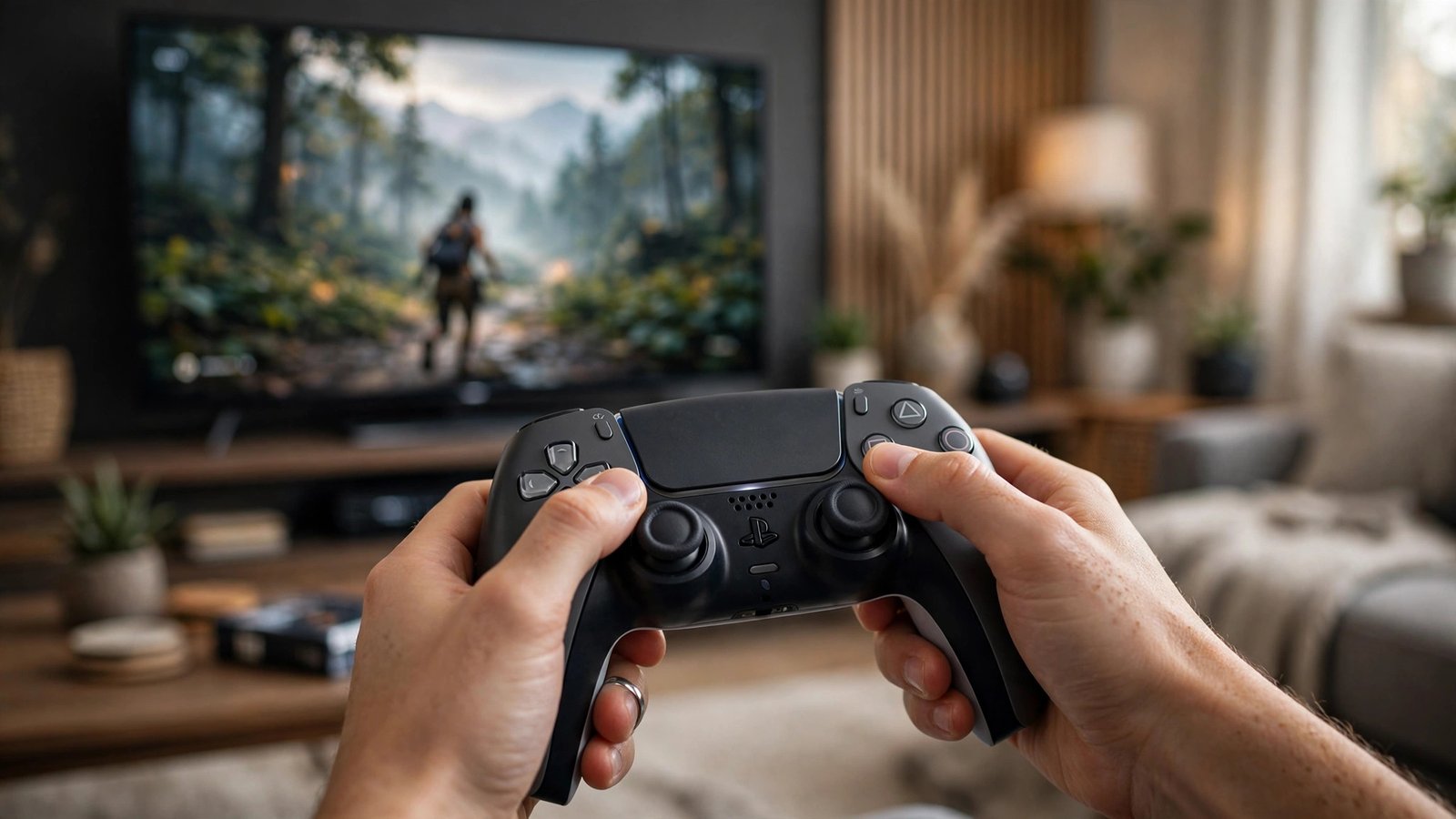
Pro controllers are built for players who take competitive games seriously — ranked football matches, shooters, and fighting games where a split second matters. They add extra buttons on the back of the controller, triggers that can be shortened for faster shots, and sticks that can be swapped or adjusted. That extra control lets you jump, reload or switch weapons without taking your thumb off the right stick.
The benefit is speed and grip. Back buttons keep your thumbs on the sticks during the moments that decide a match, and a good pro controller feels solid in the hand, with textured grips that stay steady during a long session. The downside is price and complexity. A pro controller can cost several times a budget pad, and the extra buttons need a week of practice before they feel natural. The software that remaps the buttons sometimes only works on a PC, so check compatibility before you pay.
- Pros: Extra back buttons for faster play, adjustable triggers, better grip and build quality.
- Cons: Highest prices in this guide, needs practice to use well, remapping software may need a PC.
Mobile Gaming Controllers
Mobile gaming controllers are made for players whose main screen is a phone. A telescopic controller stretches open, your Android phone clips into the middle, and the controller connects over Bluetooth or a USB-C port. Suddenly a phone game plays like a console game, with real sticks and triggers instead of thumbs sliding on glass. For long sessions of racing or shooting games on a phone, the difference is night and day.
The compromise is compatibility and size. A telescopic controller fits most phones, but a phone with a thick case may not sit properly, so check the fit before buying. Bluetooth models add a tiny bit of delay and need charging, while USB-C models draw power from the phone and can drain its battery faster. Some controllers only support certain games, so check that your favourite games accept a controller at all.
- Pros: Turns a phone into a handheld console, real sticks and triggers, good for long mobile sessions.
- Cons: May not fit phones with thick cases, some games do not support controllers, drains phone battery on USB-C models.
Retro and Multi-Platform Controllers
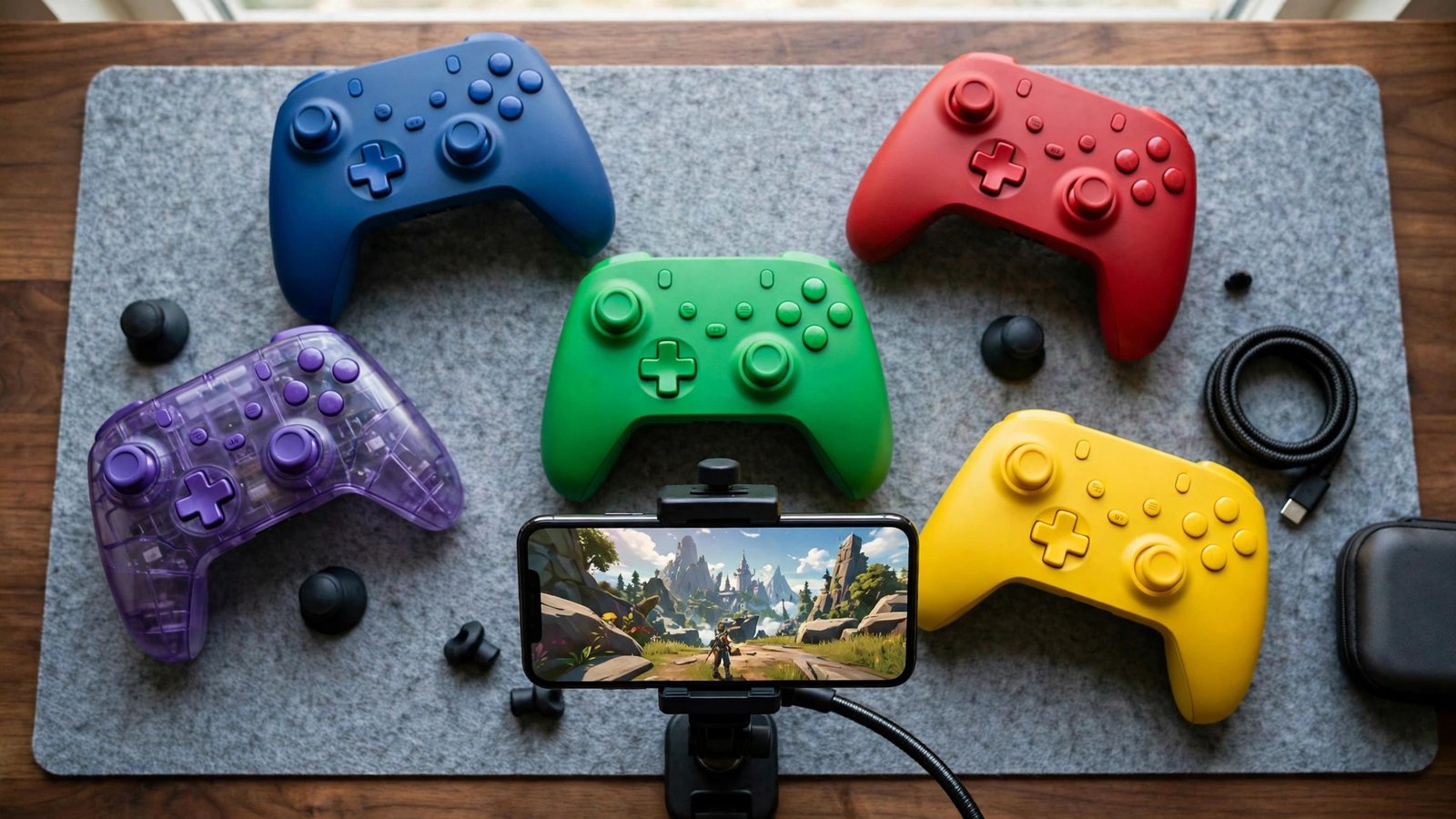
Retro and multi-platform controllers are for players who own more than one device. One controller can pair with a PC, an Android phone, a tablet and sometimes a console, switching between them with a button press. Some are styled after classic controllers from the 1990s, with a simple layout and a D-pad that suits older games and platformers.
The trade-off is that a controller built to work everywhere rarely feels perfect anywhere. The D-pad on a retro-style pad is often better than its sticks, and the button layout may not match a PlayStation or Xbox controller, which takes getting used to. Firmware updates, which fix connection bugs, usually need a PC app. If you play across several devices and like older games, a multi-platform controller is a smart buy.
- Pros: One controller for PC, phone and tablet, great for retro and emulator games, good value.
- Cons: Layout differs from console controllers, sticks can feel average, firmware updates need a PC.
Price Guide: What Gaming Controllers Cost in Pakistan
Prices for gaming controllers in Pakistan typically range from around Rs 3,000 to Rs 25,000 (check the seller for the current price). At the lower end, roughly Rs 3,000 to Rs 6,000, sit budget wired controllers and basic mobile pads. The middle band, around Rs 6,000 to Rs 15,000, is where most buyers find the best balance: wireless controllers with Bluetooth, rechargeable batteries and solid build quality. Above Rs 15,000 sit pro controllers with extra buttons and adjustable triggers, reaching towards Rs 25,000.
Three factors move prices most: the connection type, the build quality of the sticks and triggers, and whether the seller is an authorised dealer. Controllers sold without a local warranty can look cheaper, but a stick that starts drifting with no spare part turns the controller into a paperweight. Big game releases also push demand up — with excitement around GTA VI building in Pakistan, prices on popular models can creep up around a launch. Always check the warranty on the sticks before you judge whether a controller is a bargain.
Buying Tips for Pakistani Buyers
Start by matching the controller to your platform, not to a photo. Check that it works with your exact device — PC, PlayStation, Xbox or Android — before you pay, because a controller that works on one console may not work on another.
Check the warranty in writing. Ask whether it covers stick drift, how long it lasts, and who handles repairs. Stick drift — when a character moves on its own — is the most common controller fault, and it often appears after months of use, so a warranty that covers it is worth real money. Keep the box, receipt and warranty card together, and test the controller in the first week: every button, both sticks, the triggers and the wireless connection.
Finally, think about where you buy. Official stores give the strongest warranty assurance and genuine products. Large online marketplaces like Daraz offer convenience and buyer protection, but check the seller’s rating and reviews before ordering. Local markets can give good prices and hands-on advice, but verify the seller and warranty terms yourself. Wherever you buy, keep the receipt and confirm the warranty before paying.
Frequently Asked Questions
Which controller is best for PC gaming in Pakistan? For most PC players, a wireless controller with Bluetooth and a USB receiver is the best choice, because it works with the widest range of PC games and also pairs with a phone. Wired controllers are cheaper and never need charging, so they suit beginners. Check that the controller is listed as PC-compatible on the box before buying, since some console-only pads need extra software on a PC.
Do gaming controllers work with PlayStation and Xbox? A controller made for a PlayStation usually works only with that PlayStation, and the same goes for Xbox — the two consoles use different wireless systems. Some third-party controllers work with both, but check the box carefully, because many only support one. On a PC, most controllers from both console families will work, either over Bluetooth or with a cable.
What is stick drift and how do I avoid it? Stick drift is when a controller’s analogue stick sends a movement signal even though you are not touching it, so a character walks or a camera moves on its own. It is caused by wear inside the stick, and it is the most common controller fault in Pakistan. To delay it, keep the controller clean and dry and avoid pressing the sticks hard. If drift appears within the warranty period, take it back to the seller with the receipt.
How long does a wireless controller battery last? Most wireless controllers sold in Pakistan last roughly 8 to 20 hours of play on one charge, with cheaper models at the lower end and better ones lasting longer. Vibration and a built-in light drain the battery faster. Charge with the cable that came in the box, and avoid leaving the controller plugged in overnight every night.
Should I buy from Daraz, an official store, or a local market? Each channel has a place. Official stores give the strongest warranty assurance and genuine products. Large online marketplaces offer convenience and buyer protection, but check the seller’s rating before ordering. Local markets can give good prices and hands-on advice, but verify the seller and warranty terms yourself. Wherever you buy, keep the receipt and confirm the warranty before paying.
Conclusion
The best gaming controller in Pakistan is the one that matches your platform, your games and how many hours you actually play — not the one with the most buttons. Set your budget from the ranges in this guide, and buy from a seller who stands behind the sticks. A careful purchase gives you comfortable, responsive gaming for years.
For more buying guides on trending products across Pakistan, visit the product feed at https://trendz.pk/, where new guides and trending picks are added regularly.