Best Webcam in Pakistan (2026): Price Guide & Buying Tips
Online classes, office calls, job interviews and live streams all run through a webcam now. In Pakistan, students attend Zoom lectures from home, freelancers meet clients on Google Meet, and teachers record lessons for their students. In all of these, a clear picture and a clean voice decide whether the other side takes you seriously. A laptop’s built-in camera often gives a grainy, dark image, which is why so many people look for the best webcam in Pakistan before an important class or interview. Prices for webcams in Pakistan are typically around Rs 2,500–18,000 (check the seller for the current price).
This guide covers the five main types of webcams sold in Pakistan, what each one costs, and the details that decide whether you look sharp and sound clear on your next call.
Quick Picks
- Best for tight budgets: a 720p budget webcam that plugs in and works for basic classes and family calls.
- Best for daily calls: a 1080p Full HD webcam that gives a clear picture for Zoom, Teams and Google Meet without costing much.
- Best for interviews and teaching: a 1080p webcam with autofocus and a built-in mic, so your face stays sharp and your voice comes through clean.
- Best picture quality: a 2K / 1440p webcam for anyone who wants a crisper image for presentations and recorded lessons.
- Best for streaming: a streaming webcam with a ring light that keeps your face bright even in a dim room.
720p Budget Webcam
A 720p budget webcam is the simplest way to get a working camera on a desktop computer that has none, or to replace a laptop camera that has stopped working. It plugs into a USB port, needs no extra software, and most computers pick it up in seconds. For a student joining a class or a family member calling relatives abroad, 720p is good enough to be seen and understood.
The picture is not the sharpest. At 720p, your face looks a little soft, and fine detail such as text on a whiteboard behind you will blur. In a bright room the image is fine, but in a dim room it gets grainy fast. Most budget models record at 30 frames per second, which is smooth enough for a normal call. The built-in mic is basic: it picks up your voice, but also the fan, the street noise and the television in the next room.
Budget webcams usually come with a simple plastic clip that sits on top of a monitor or a laptop screen. It can feel loose on a thin laptop lid, so check the fit before you leave the shop. Some models have a small privacy cover you slide across the lens, which is a handy extra at this price.
720p budget webcams are typically around Rs 2,500–5,000 (check the seller for the current price). Before paying, ask the seller to plug it into a laptop in the shop and check the picture on a video call.
- Pros: cheapest option, plug-and-play with no setup, light and easy to carry, works for basic classes and calls.
- Cons: soft picture quality, weak in low light, basic mic picks up background noise, plastic clip can feel loose.
1080p Full HD Webcam
A 1080p Full HD webcam is the sweet spot for most people in Pakistan. At 1920 by 1080 pixels, your face looks clear and natural on Zoom, Microsoft Teams and Google Meet, and the other side can read your expressions properly. For daily office calls, online tuition and job interviews, this is the resolution most people should aim for.
Most 1080p models use a fixed-focus lens. That means the camera stays sharp from about half a metre to a few metres away, which covers a normal desk setup, but it cannot refocus if you lean in close or hold something up to the lens. The frame rate is usually 30 frames per second, which keeps movement smooth. In good light, the picture looks far better than a 720p camera; in poor light it still gets noisy, though less so than the budget models.
The built-in mic is usually a single microphone that picks up sound from the front. It is fine for a quiet room, but if your room has a ceiling fan or street noise, the other side will hear it. The mount is usually a sturdier clip that folds out into a small stand, so it can sit on a desk as well as on a monitor.
1080p Full HD webcams are typically around Rs 4,000–8,000 (check the seller for the current price). Check that the lens glass is clean and scratch-free, and ask whether the model comes with a privacy shutter.
- Pros: clear Full HD picture, good value for daily calls, works with Zoom, Teams and Google Meet, sturdier clip and stand.
- Cons: fixed focus cannot adjust for close-ups, mic still picks up room noise, needs decent room light for the best picture.
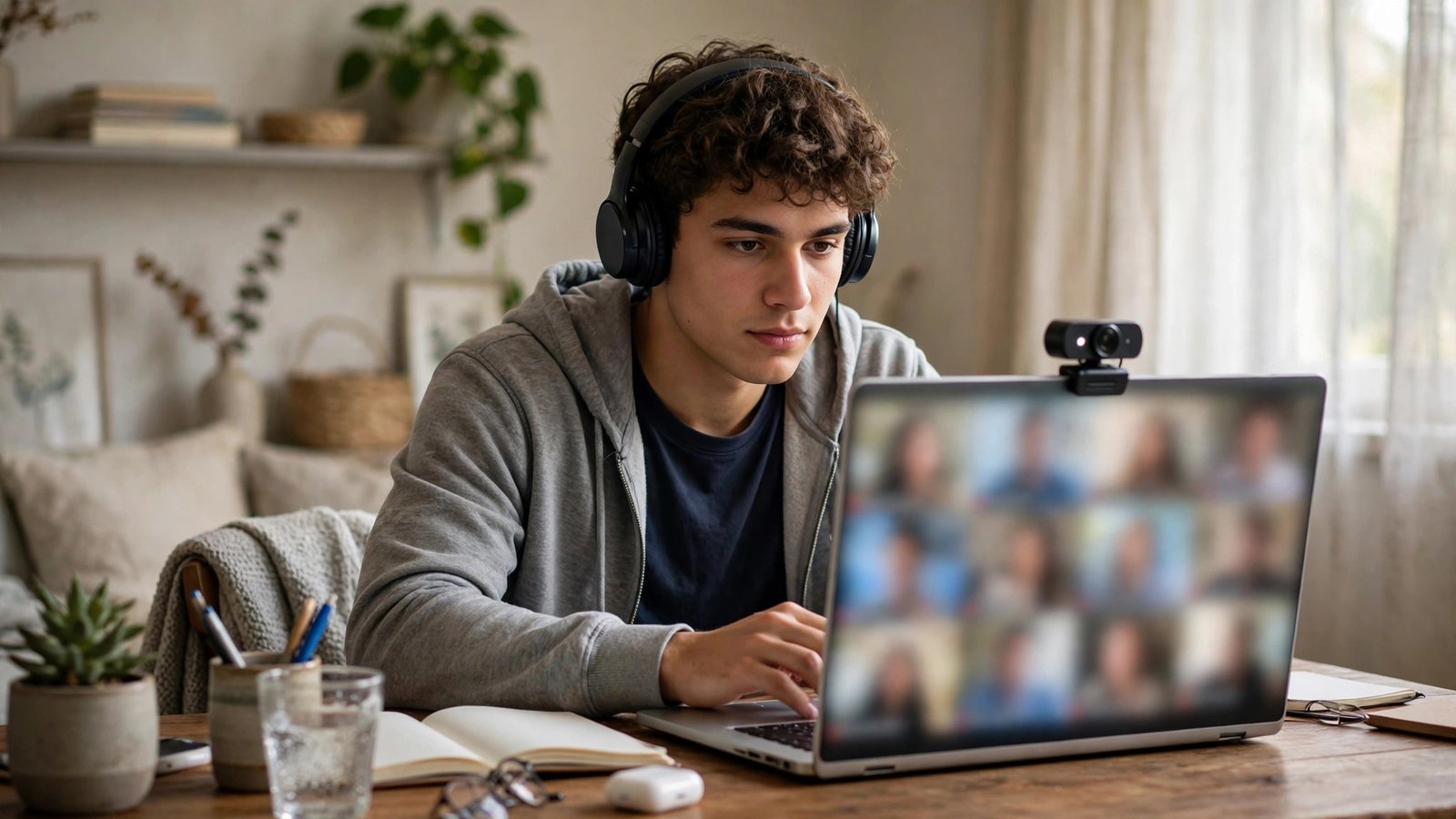
1080p Webcam with Autofocus and Built-in Mic
This is the webcam to buy if you teach online, attend interviews, or join calls where you need to look and sound your best. The autofocus lens keeps your face sharp even when you lean forward to read notes or lean back in your chair, and it can refocus quickly if you hold a book, a drawing or a product up to the camera. That matters for teachers who show worksheets and for sellers who show items on a call.
The mic is the other big step up. These models usually have two microphones with some noise reduction, so your voice comes through clearly while the fan and the street noise fade into the background. It is not as good as a separate USB microphone, but for most calls it is enough that you do not need one. Low-light performance is better too, because the sensor is larger and the picture stays usable in a room lit by a single bulb.
These webcams are a little bigger and heavier than the basic models, and the clip is usually metal with a rubber grip, so it holds firmly on a monitor or a laptop lid. Many have a privacy shutter built into the body — a small slider that covers the lens when you are not on a call. Some also come with a short tripod in the box, which is useful if you want the camera at eye level on a desk.
1080p webcams with autofocus and a built-in mic are typically around Rs 7,000–12,000 (check the seller for the current price). Before buying, test the autofocus by moving closer and further from the lens in the shop, and speak at your normal volume to check how the mic sounds.
- Pros: autofocus keeps your face sharp at any distance, better dual mic with noise reduction, good low-light picture, solid mount and privacy shutter.
- Cons: costs more than a basic 1080p model, heavier on a thin laptop lid, mic still not a match for a separate microphone.
2K / 1440p Webcam
A 2K webcam, also called 1440p, gives a sharper picture than Full HD — about one and a half times the pixels of 1080p. On a big monitor or a recorded lesson, the extra detail is visible: your face looks crisper, text on a board behind you is easier to read, and the image holds up better when the video is cropped or zoomed in. For teachers recording lessons and presenters sharing slides, that extra sharpness is worth it.
Most 2K models record at 30 frames per second, and the field of view is often wider than a basic webcam, so more of your room shows behind you — useful if you want to show a whiteboard, but a problem if your room is untidy, so check whether the software lets you narrow the view. Low-light performance is usually the best in this guide, because the sensor is larger and handles a dim room better.
These webcams need a little more from your computer. A 2K video stream uses more bandwidth and more processing power, so an old laptop or a slow internet connection may drop the quality back to 1080p anyway. Check that your computer and your internet speed can actually carry a 2K call before you pay for one. The mount is a sturdy clip with a tripod thread underneath.
2K / 1440p webcams are typically around Rs 10,000–18,000 (check the seller for the current price). Ask the seller to show the picture on a large screen in the shop, and confirm the warranty covers the sensor and the autofocus motor.
- Pros: sharpest picture in this guide, best low-light performance, good for recorded lessons and presentations, wider field of view.
- Cons: highest price in this guide, needs a good computer and fast internet to show its quality, wider view shows more of your room.
Streaming Webcam with Ring Light
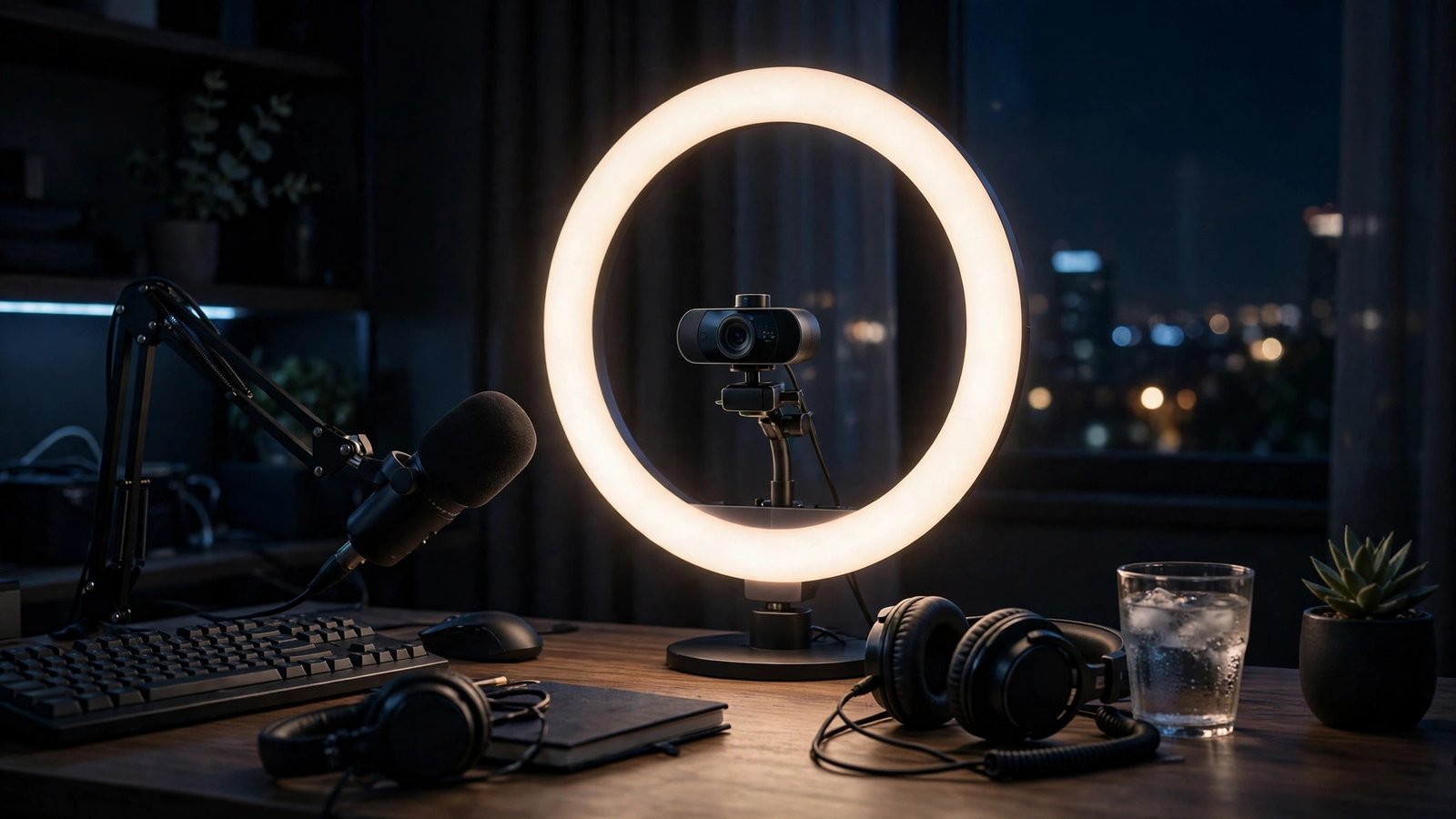
A streaming webcam with a ring light is built for people who go live: gamers, TikTok and YouTube creators, online sellers showing products, and teachers who record videos for their channels. The ring light sits around the lens and shines a soft, even light on your face, so you look bright and clear even in a room with one bulb or a window behind you. Bad lighting is the most common reason a stream looks poor, and the ring light fixes it at the source.
The camera itself is usually 1080p, sometimes with autofocus, and the ring light often has three colour settings — warm, cool and daylight — with a brightness dial or a small remote. The light runs off the same USB cable as the camera, so there is no extra plug. The mount is usually a clip plus a small tripod, and some kits include a taller tripod so the camera sits at eye level on a desk.
The trade-off is that you are paying for the light as well as the camera, so the picture alone is not better than a plain 1080p autofocus model at the same price. The ring light also draws power from the USB port, so a weak laptop port or an old USB hub may not run it at full brightness. If your room is dark or you stream at night, the ring light is worth the money.
Streaming webcams with a ring light are typically around Rs 8,000–15,000 (check the seller for the current price). Test the light at each colour setting in the shop, and confirm the tripod holds the camera steady without wobbling.
- Pros: ring light fixes poor room lighting, good for streaming and recording at night, colour and brightness controls, includes a tripod.
- Cons: picture quality is similar to a cheaper 1080p model, light needs a strong USB port, bulkier to carry around.
Webcam Prices in Pakistan
Webcam prices in Pakistan are typically around Rs 2,500–18,000 (check the seller for the current price). 720p budget webcams sit at the lower end, typically around Rs 2,500–5,000 (check the seller for the current price). 1080p Full HD webcams follow closely, typically around Rs 4,000–8,000 (check the seller for the current price). 1080p webcams with autofocus and a built-in mic sit in the middle, typically around Rs 7,000–12,000 (check the seller for the current price). Streaming webcams with a ring light cost more for the built-in lighting, typically around Rs 8,000–15,000 (check the seller for the current price). 2K / 1440p webcams sit at the top, typically around Rs 10,000–18,000 (check the seller for the current price).
Prices move with the rupee and with stock. Imported webcams get dearer when the dollar rises, and prices can edge up before the new academic session when students buy cameras for classes. Compare two or three sellers before you pay — an electronics market, an online store such as Daraz, and an official brand store — and keep the receipt and the box until the warranty period ends.
Buying Tips
Pick the resolution for your use, not the biggest number. A 720p webcam is enough for family calls, 1080p covers daily office calls and classes, and 2K only pays off if you record lessons or present on a big screen. Paying for 2K on a slow connection is wasted money, because the call will drop the quality anyway.
Check the frame rate. Look for 30 frames per second at the resolution you will use. A camera that only manages 15 frames per second at 1080p will make your movements look jerky, which is tiring to watch on a long call.
Test the mic, or plan for a separate one. Speak at your normal volume in the shop and listen to how the mic sounds on a test call. If your room has a fan or street noise, budget for a cheap headset or a USB microphone — it will improve your calls more than a sharper camera will.
Look for a privacy shutter. A small slider that covers the lens stops the worry that the camera is on when it should not be. If the model has no shutter, a small piece of tape does the same job, but a built-in shutter is neater and harder to lose.
Check the mount fits your screen. A heavy webcam can slip off a thin laptop lid or a curved monitor. Clip it onto your own laptop or monitor in the shop if you can, and check whether it has a tripod thread for a desk stand.
Confirm plug-and-play with your operating system. Most webcams work with Windows and macOS without installing anything, but a few need a driver or an app for the full features. Ask the seller whether it works on your version of Windows or macOS, and whether it works with Zoom, Teams and Google Meet.
Remember that lighting matters more than megapixels. A 1080p webcam in a well-lit room looks better than a 2K webcam in a dark one. Sit facing a window or a lamp, keep the light in front of you rather than behind you, and avoid sitting with a bright window at your back.
Frequently Asked Questions
Which webcam is best for online classes in Pakistan?
For most students and teachers, a 1080p webcam with autofocus and a built-in mic is the best balance of picture, sound and price, because it keeps your face sharp and your voice clear through long classes. A plain 1080p model is fine if your budget is tight, and a 720p model only makes sense for very basic use.
Do I need a separate microphone with a webcam?
Not always. The dual mic on a mid-range webcam is clear enough for classes and office calls in a quiet room. If your room is noisy, or you record lessons and want clean audio, a cheap headset or a USB microphone will make a bigger difference than a more expensive camera.
Will a webcam work with Zoom, Teams and Google Meet?
Yes, almost every USB webcam works with Zoom, Microsoft Teams and Google Meet without extra software — you plug it in and pick it in the video settings of the app. If a model needs a driver for its extra features, install it before your first class, not five minutes before it starts.
Can I use a webcam with my laptop’s built-in camera at the same time?
Yes. Your computer will list both cameras, and you can pick either one in the video settings of Zoom, Teams or Google Meet. Most people use the external webcam for calls and keep the built-in camera as a backup.
How do I stop my webcam picture from looking dark?
Sit facing your main light source — a window in the daytime or a lamp at night — and keep bright light out from behind you, because a window behind you turns your face into a silhouette. If your room is still dark, a webcam with a ring light, or a small desk lamp in front of you, will fix it.
Conclusion
The best webcam in Pakistan is the one that matches how you actually use it. A 720p budget webcam covers basic calls, a 1080p Full HD model handles daily classes and office meetings, an autofocus model with a good mic suits teachers and interviews, a 2K webcam gives the sharpest picture for recorded lessons, and a streaming webcam with a ring light keeps you bright on camera at night. Prices are typically around Rs 2,500–18,000 (check the seller for the current price) — pick the resolution for your use, test the mic in the shop, look for a privacy shutter, and put a light in front of you before you blame the camera.
For more trending picks and buying guides for Pakistan, browse the product feed at trendz.pk.