Best Gaming Mouse in Pakistan (2026): Price Guide & Buying Tips
If you are hunting for the best gaming mouse in Pakistan in 2026, you are in good company — gaming mice are among the most searched PC accessories in the country. A good one can genuinely change how your games feel: sharper aim in shooters, quicker reactions in MOBAs, and less wrist fatigue during long sessions. The confusing part is the price spread — from Rs 1,500 budget models on Daraz to premium esports mice costing more than some phones.
Below you will find honest approximate price ranges by tier, plain pros and cons, and practical buying tips. All prices are approximate — always check the seller for the current price before you buy.
Quick Picks: The Best Gaming Mouse in Pakistan at a Glance
- Best overall: Mid-range wired/wireless mice (Logitech G-style) — typically around Rs 5,000–12,000. Reliable sensors, comfortable shapes, and prices most gamers can justify.
- Best budget: Budget gaming mice (RGB-style) — typically around Rs 1,500–4,000. Adjustable DPI, gaming looks, and usable sensors for casual play.
- Best for FPS: Premium lightweight esports mice (Razer-style) — typically around Rs 15,000–25,000+. High-end sensors, ultra-light shells, and the lowest latency available.
- Best wireless: Modern 2.4GHz wireless gaming mice — typically around Rs 6,000–25,000. Performance that now matches wired mice, with batteries that last weeks.
1. Budget Gaming Mice (Typically Rs 1,500 – Rs 4,000)
This is where most Pakistani gamers start. Budget gaming mice — the kind you find everywhere on Daraz and in local computer markets — pack adjustable DPI buttons, colourful RGB lighting, and a gaming-style shape at very low prices. For casual gaming, browsing, and office work, they are genuinely good value.
The sensor inside a budget mouse is the main thing that separates it from a regular office mouse. Most offer selectable DPI steps, which lets you switch between slow, precise cursor movement and fast, twitchy aiming with a button press. In practice, the tracking is fine on a proper mousepad — just keep expectations reasonable at the very highest DPI settings.
Pros:
- Very affordable — an easy first upgrade from a bundled office mouse
- Adjustable DPI with on-the-fly buttons, handy for switching between games and desktop use
- RGB lighting and aggressive styling that looks the part
- Widely available on Daraz and in local markets with many designs to choose from
Cons:
- Sensor accuracy drops at high DPI settings; stick to the middle ranges for best results
- Switches wear faster — double-clicking issues after a year or two of heavy use are common
- Build quality and cable quality vary a lot between sellers
- Counterfeit versions of popular designs are everywhere — buy from sellers with strong ratings
Who should buy one: Students, casual gamers, and anyone who wants a better-feeling mouse for everyday use and light gaming without spending much.
2. Mid-Range Wired and Wireless Mice (Typically Rs 5,000 – Rs 12,000)
This is the tier most buyers should aim for — the best gaming mouse in Pakistan for the average gamer usually sits right here. Think Logitech G-style mice: proven optical sensors, comfortable shapes, durable switches, and either a quality braided cable or a 2.4GHz wireless connection with a small USB receiver.
What you are paying for at this tier is consistency. The sensor tracks accurately across its whole DPI range, the polling rate (usually 1,000 times per second) keeps cursor movement smooth, and the shape stays comfortable through hours of play. Wireless options like the popular G304-style designs run for months on a single AA battery, which removes the biggest old objection to wireless gaming mice.
Pros:
- Sensors that track accurately with no smoothing or jitter — a real step up from budget models
- Comfortable, well-tested shapes that suit most hand sizes and grip styles
- Mechanical switches that stay crisp for years of heavy clicking
- Wireless models offer lag-free performance with excellent battery life
Cons:
- Prices have crept up; official stock costs noticeably more than grey imports
- Some popular models are years old, yet still sell at a premium
- Heavier than premium esports mice — FPS purists may want lighter
Who should buy one: Regular gamers who play several hours a week and want a mouse that simply works well for years — the safest recommendation in this guide.
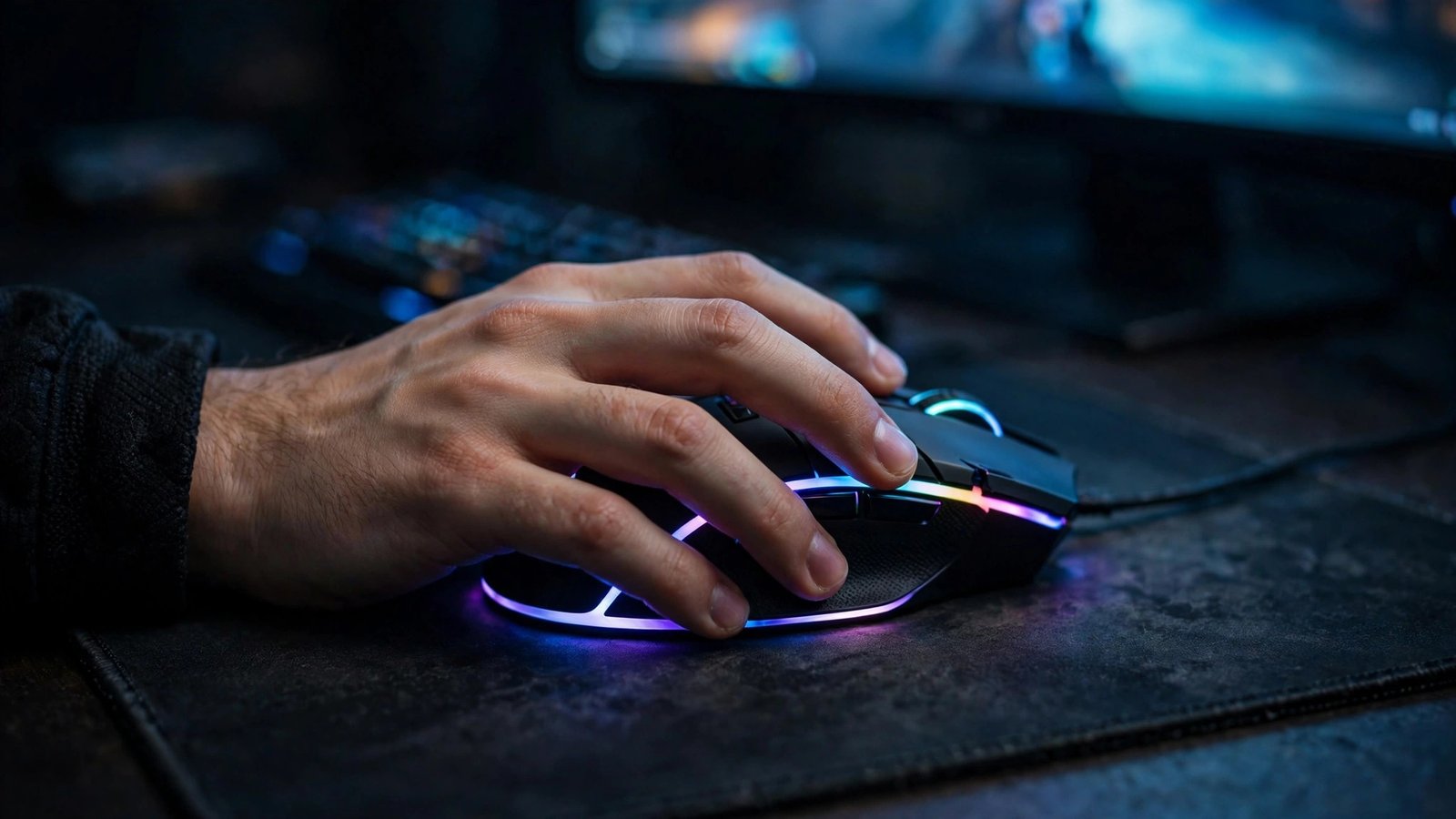
3. Premium Esports-Grade Mice (Typically Rs 15,000 – Rs 25,000+)
At the top end sit the mice used by professional players: Razer-style esports models and other flagship designs. These are built around three things — the best available optical sensors, extremely low weight (often under 60 grams), and the lowest possible latency. Shapes are refined through years of competitive feedback, and switches use optical actuation for faster, more consistent clicks.
Do you need one? For most players the jump from mid-range to premium is smaller than the jump from budget to mid-range. The differences — a few grams of weight, slightly cleaner sensor tracking at extreme speeds, a few milliseconds of click latency — matter most in competitive FPS games like Counter-Strike or Valorant. For everyone else, it is a luxury, not a necessity.
Pros:
- The best sensors on the market — flawless tracking even during fast flicks
- Ultra-lightweight builds that reduce wrist and arm fatigue in long sessions
- Optical switches with fast, consistent click feel and long lifespans
- Premium materials, smooth-gliding PTFE feet, and refined shapes
Cons:
- The highest prices, and Pakistan’s exchange rate makes them steeper than abroad
- Official warranty is limited — most stock is grey import, so check the seller’s return policy carefully
- Diminishing returns: casual players will not feel a big difference over mid-range mice
Who should buy one: Competitive FPS players, streamers, and enthusiasts who want the very best and know exactly which features they are paying for.
4. Wireless vs Wired: Which Should You Choose?
This used to be a settled debate — wired won, full stop. In 2026 it is genuinely a personal choice. Modern 2.4GHz wireless gaming mice (using a small USB receiver, not Bluetooth) have latency that matches or beats many wired mice, and battery life stretches from weeks to months. Bluetooth mode is fine for travel and office use but is not recommended for gaming, since it adds noticeable delay.
Price guidance: budget wireless gaming mice typically sit around Rs 3,000–7,000, while quality 2.4GHz wireless models from established brand lines run about Rs 6,000–25,000 depending on tier. Wired mice remain the better value at any given price — you get a better sensor for the same money, since there is no battery or wireless hardware to pay for.
Pros:
- Freedom of movement — no cable drag, especially nice on a clean desk setup
- Latency on modern 2.4GHz models is effectively identical to wired for gaming
- Battery life is strong; many models last weeks or months per charge
Cons:
- You pay extra for wireless at every tier compared with an equivalent wired mouse
- Batteries eventually degrade, and a dead mouse mid-game is its own special frustration
- Budget wireless models can suffer interference in crowded Wi-Fi environments
Who should buy one: Anyone who values a cable-free desk, or competitive players willing to pay the wireless premium. Budget-conscious buyers should stick with wired.
Gaming Mouse Prices in Pakistan: What to Expect
Prices for gaming mice in Pakistan range from Rs 1,500 to Rs 25,000. Here is how the tiers break down:
Why do prices vary so much for the same mouse? Two reasons dominate. First, the dollar rate — almost all gaming mice are imported, so a weaker rupee pushes prices up. Second, official distributor stock versus grey imports: officially distributed mice cost 15–30% more but come with a real local warranty, while grey-import units are cheaper but usually carry only the shop’s own short checking warranty.
7 Buying Tips Before You Pay
Try the grip shape if possible. Palm, claw, and fingertip grips all suit different mouse shapes. If you can visit a computer market in Lahore, Karachi, or Islamabad, hold the mouse before buying. Ergonomic (sculpted, right-handed) shapes suit palm grippers; symmetrical shapes suit claw and fingertip styles.
Check the sensor, not just the DPI number. A huge DPI figure on the box means little — most gamers play between 400 and 1,600 DPI, and what matters is clean, consistent tracking without acceleration or jitter. Established brand lines are safe bets; unknown brands advertising sky-high DPI often have the least accurate sensors.
Understand polling rate. This is how often your mouse reports its position — 1,000Hz is the standard for gaming and feels noticeably smoother than a 125Hz office mouse. Premium models now offer 4,000–8,000Hz, but the difference is subtle and mainly benefits high-refresh-rate monitor owners.
Official warranty vs grey import — decide upfront. For mice above Rs 8,000, prefer official brand stores, Daraz Mall, or authorised distributors with a stamped warranty card. Cheaper grey-market units are fine if you accept the risk — just confirm the shop’s return policy before paying, and test every button in the shop.
Avoid counterfeits on marketplaces. Popular gaming mouse designs are heavily faked on Daraz and in local markets. Red flags: prices far below the going rate, stock-only product photos, and sellers with few or poor ratings. Stick to highly rated sellers and check reviews that mention authenticity.
Match the mouse to your games. FPS players benefit most from lightweight mice with top sensors and high polling rates. MOBA and MMO players often prefer mice with extra side buttons. Casual and single-player gamers do not need esports specs — a comfortable mid-range mouse is the better buy.
Do not overpay for features you will not use. Ultra-high DPI settings, 8,000Hz polling, and a dozen programmable buttons sound impressive, but if you play casually a few hours a week, they add cost without adding fun. Spend the difference on a good mousepad instead — a Rs 1,000–2,000 large cloth pad improves any mouse more than most spec upgrades.
FAQ: Best Gaming Mouse in Pakistan
Is a wireless gaming mouse as fast as a wired one?
For modern 2.4GHz wireless mice from established brand lines, yes — latency is effectively the same as wired. Avoid Bluetooth mode for gaming, and be cautious with very cheap wireless mice, where interference and higher latency are real issues.
How much DPI do I actually need?
Far less than marketing suggests. Most gamers use 400–1,600 DPI, with 800 DPI the most common choice in FPS games. Sensor quality matters far more than the maximum DPI number — a clean, accurate sensor at 800 DPI beats a jittery one advertising a huge maximum.
Do I need a gaming mouse for casual play?
Not strictly, but even casual players notice the difference: smoother cursor control, a more comfortable shape, and extra buttons for shortcuts. A budget gaming mouse around Rs 1,500–4,000 is a cheap upgrade over a basic office mouse.
Where can I buy a gaming mouse safely in Pakistan?
For warranty and authenticity, buy from official brand stores, Daraz Mall sellers with strong ratings, or authorised distributors. Local computer markets offer lower prices — inspect the seal, verify the model number, and test all buttons before paying. Keep the receipt and warranty card for purchases above Rs 8,000.
Conclusion
The best gaming mouse in Pakistan for most players in 2026 is a mid-range wired or wireless model in the Rs 5,000–12,000 bracket — sensor accuracy, comfort, and durability that actually matter, without the premium price tag. Budget buyers get a solid starter mouse under Rs 4,000, while competitive players have a clear premium path in the Rs 15,000–25,000 range.
To browse trending gaming gear and see what is popular in Pakistan right now, visit the product feed at trendz.pk — new trending products are added regularly, so check back before you buy.